These NASBA - Computer Software & Applications courses cover a broad spectrum of topics, ensuring you stay current with industry standards and best practices.
 learnformula
 Peter Ilas, FCCA
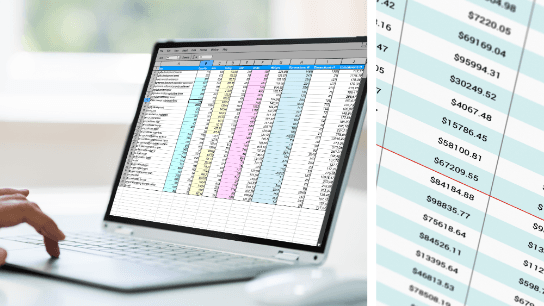
Stop guessing, start analyzing. Use Excel's What-If features to model outcomes, find target values, and compare possibilities effortlessly.
Build bulletproof, automated workpapers to maximize your daily productivity.

Streamline your workflow by automating data extraction, transformation, and visualization.

Excel expert David Ringstrom, CPA, shares tips to verify workbook integrity using Show Formulas, Evaluate Formula, Trace Precedents, FORMULATEXT, dynamic arrays, and structured references.
Try LearnFormula Business and buy packages or courses at a discounted group (multi-license) rate.

Transform Your AP Process with Electronic Invoices: Fully Automate Processing, Boost Efficiency, Cut Costs by 60-80%, Improve Controls, and Gain Real-Time Cash Flow Insights.

Master Conditional Formatting in Excel with David Ringstrom, CPA—learn to spot duplicates, filter by color, build data bars, and create formula-based rules across versions.
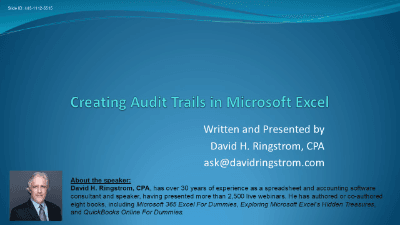
Master Excel audit trails! Learn to effortlessly track changes, secure data, and create custom logs with advanced tools like Power Query and VBA, ensuring data integrity and accountability.

This course highlights the advanced features of Gmail, Google's free web-based email service.

The course provides a concise overview of how accountants can instantly and dramatically improve their Google search skills
A review for accounting and finance professionals who need to sharpen their EXCEL skills in building fully-integrated financial statements and presentations in WORD and POWERPOINT