These Office Productivity courses cover a broad spectrum of topics, ensuring you stay current with industry standards and best practices.
 learnformula
 Peter Ilas, FCCA
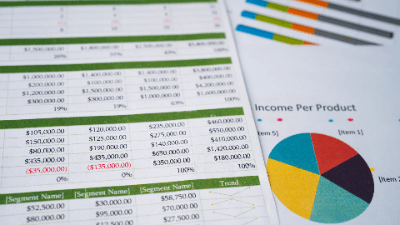
Boost productivity and precision. Master Excel's essential features to streamline accounting tasks, ensure data integrity, and generate robust financial insights.

Excel expert David Ringstrom, CPA, shares tips to verify workbook integrity using Show Formulas, Evaluate Formula, Trace Precedents, FORMULATEXT, dynamic arrays, and structured references.
Unlocking the Power of the Apps You Use, Microsoft Graph, and AI Agents
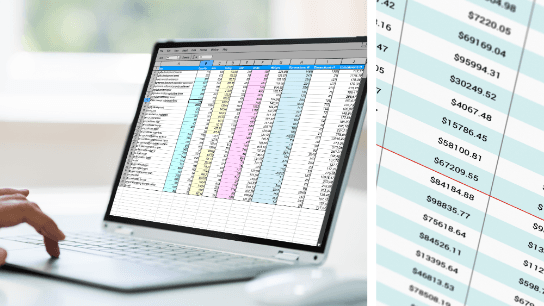
Stop guessing, start analyzing. Use Excel's What-If features to model outcomes, find target values, and compare possibilities effortlessly.
Try LearnFormula Business and buy packages or courses at a discounted group (multi-license) rate.
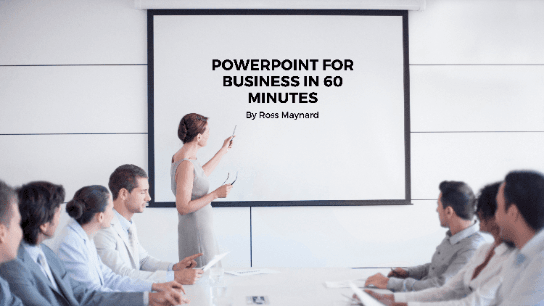
Less is more in a slide show so it is important to use techniques and effects which will help engage your audience and draw their attention to the points that matter.
Part 2
Learn how to build Interactive Dashboards.

This course highlights the advanced features of Gmail, Google's free web-based email service.
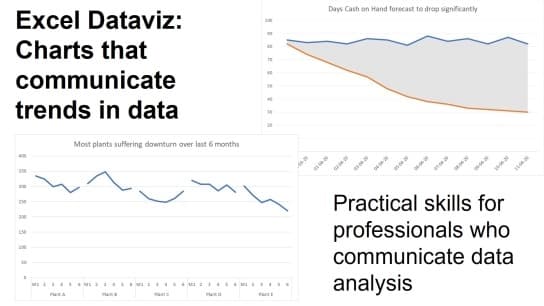
Learn how to create charts in Excel to communicate important trends in data to executives and stakeholders

Boost Your Productivity: Harness the Power of Copilot to Automate Tasks and Focus on Strategic Success.