


AI is changing the way we work with Excel.
But knowing a few prompts—or knowing where the Copilot button lives—isn't enough anymore.
As AI becomes more capable, Excel professionals need a broader set of skills.
Not just skills for using AI.
Skills for applying it to real work, supervising what it does, and knowing whether the result is right.
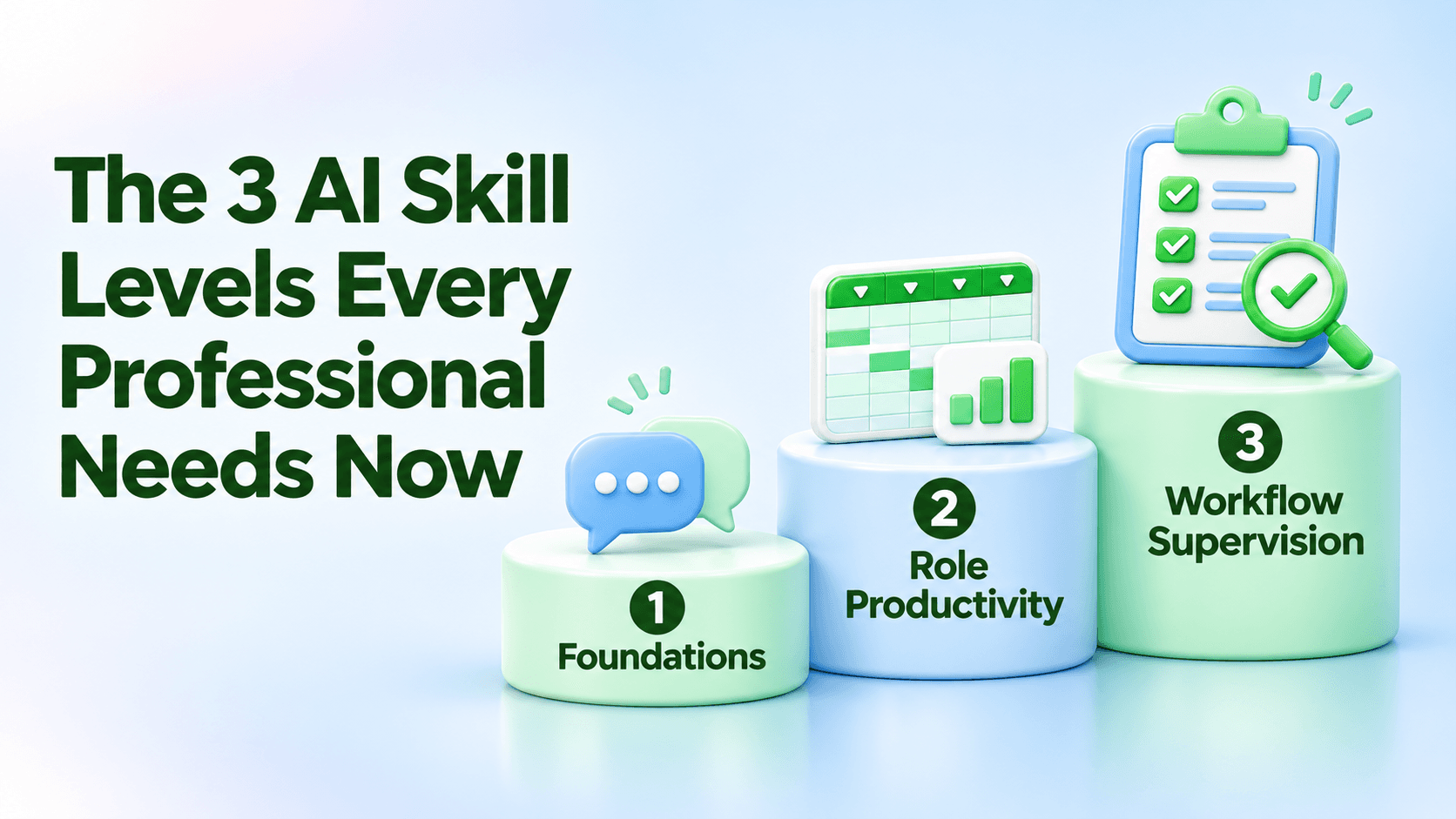
I see workplace AI skills developing across three practical levels.
Level 1: Practical AI Foundations
Before someone can use AI effectively with Excel, they need to know how to communicate with it.
That means learning how to clearly explain the task, provide useful context, include examples when necessary, ask better follow-up questions, and recognize when an answer needs verification.
It also means understanding what information should—and should not—be shared with an AI system.
In Excel, the request might be simple:
“Analyze this sales table and identify the three products with the largest decline in revenue.”
But the real skill isn't typing the prompt.
The skill is knowing whether you've given AI enough information to produce a useful answer—and whether you know how to verify it.
That's the foundation.
Level 2: AI Productivity for Your Role
This is where AI becomes much more valuable.
Instead of teaching everybody the same collection of AI tricks, we should teach people how to apply AI to the work they actually perform.
A financial analyst might use Excel and AI to explain complicated formulas, investigate monthly variances, assist with reconciliations, identify unusual transactions, and prepare executive summaries.
An HR professional might analyze employee surveys, categorize feedback, summarize trends, and prepare workforce reports.
A sales manager might analyze pipeline data, identify declining accounts, compare territories, and prepare weekly performance reports.
Same AI.
Same Excel.
Completely different productivity opportunities.
That's why effective corporate AI training needs to become increasingly role-specific.
The question shouldn't simply be:
“How do I use AI?”
It should become:
“How can AI help me perform my job better?”
Level 3: AI Workflow Supervision
This is where workplace AI is heading next.
AI is moving beyond answering questions and assisting with individual tasks.
It can increasingly handle multiple steps of a workflow.
Imagine giving an AI system an assignment like this:
“Review this month's sales data, clean the spreadsheet, identify unusual activity, update the management report, create the charts, and prepare an executive summary.”
That's very different from asking it to write a formula.
At this level, your role begins to change.
You're no longer performing every individual step yourself.
You're supervising the work.
That requires another set of skills:
Define → Delegate → Inspect → Verify → Approve
You define the objective.
You delegate appropriate work to AI.
You inspect what it did.
You verify the calculations, assumptions, and conclusions.
And only then do you approve the final result.
Here's the part I believe Excel professionals should pay particular attention to:
The more AI can do inside Excel, the more valuable strong Excel skills become.
If AI creates a formula, you need to know whether that formula makes sense.
If AI changes a workbook, you need to understand what changed.
If AI identifies a trend, you need enough business and data knowledge to determine whether the conclusion is reasonable.
AI doesn't eliminate the need for Excel skills.
It changes which skills matter most.
What This Means for Corporate AI Training
Organizations shouldn't think of AI training as one introductory class.
A stronger learning path looks like this:
Level 1 — Practical AI Foundations
Learn how to communicate with AI safely and effectively.
Level 2 — AI Productivity for Your Role
Apply AI directly to the responsibilities and workflows that consume time in your job.
Level 3 — AI Workflow Supervision
Learn how to delegate larger assignments while maintaining human oversight, verification, and accountability.
That's a much more sustainable approach than simply teaching the latest collection of AI features.
Because the tools will continue to change.
The buttons will move.
The models will improve.
And new capabilities will keep appearing.
But professionals who know how to communicate, apply, supervise, and verify AI-assisted work will be able to adapt.
AI Isn't Replacing Excel Skills
It's raising the level at which those skills can be used.
And for Excel professionals willing to keep learning, that's a tremendous opportunity.
Keep Building Your Excel Skills
Want more practical Excel training, articles, and courses?
Visit my public LearnFormula profile to see all of my Excel courses and posts:
https://learnformula.com/profile/billy-wigley
Need a PD hour and want to build an Excel skill you can use at work?
My Excel training on LearnFormula includes practical courses designed to help you work faster and more confidently—and selected courses include one PD hour.
And stay tuned:
Getting Started with Copilot in Excel is almost ready to publish.
We're going to take these ideas even further and put AI-assisted Excel productivity into practice.
Don't Get Mad…Get Skills!