by learnformula
search
For Business
Team license & compliance management
For Higher Education
Academic partnerships
For Government Agencies
Government training solutions
For Instructors & Course Creators
Teach on our marketplace
Become a Sponsor
Reach 9M+ professionals
Log inStart 7-Day Free TrialStart Free TrialStart Free Trial
search
Courses/Office Productivity/Data Analysis & Visualization

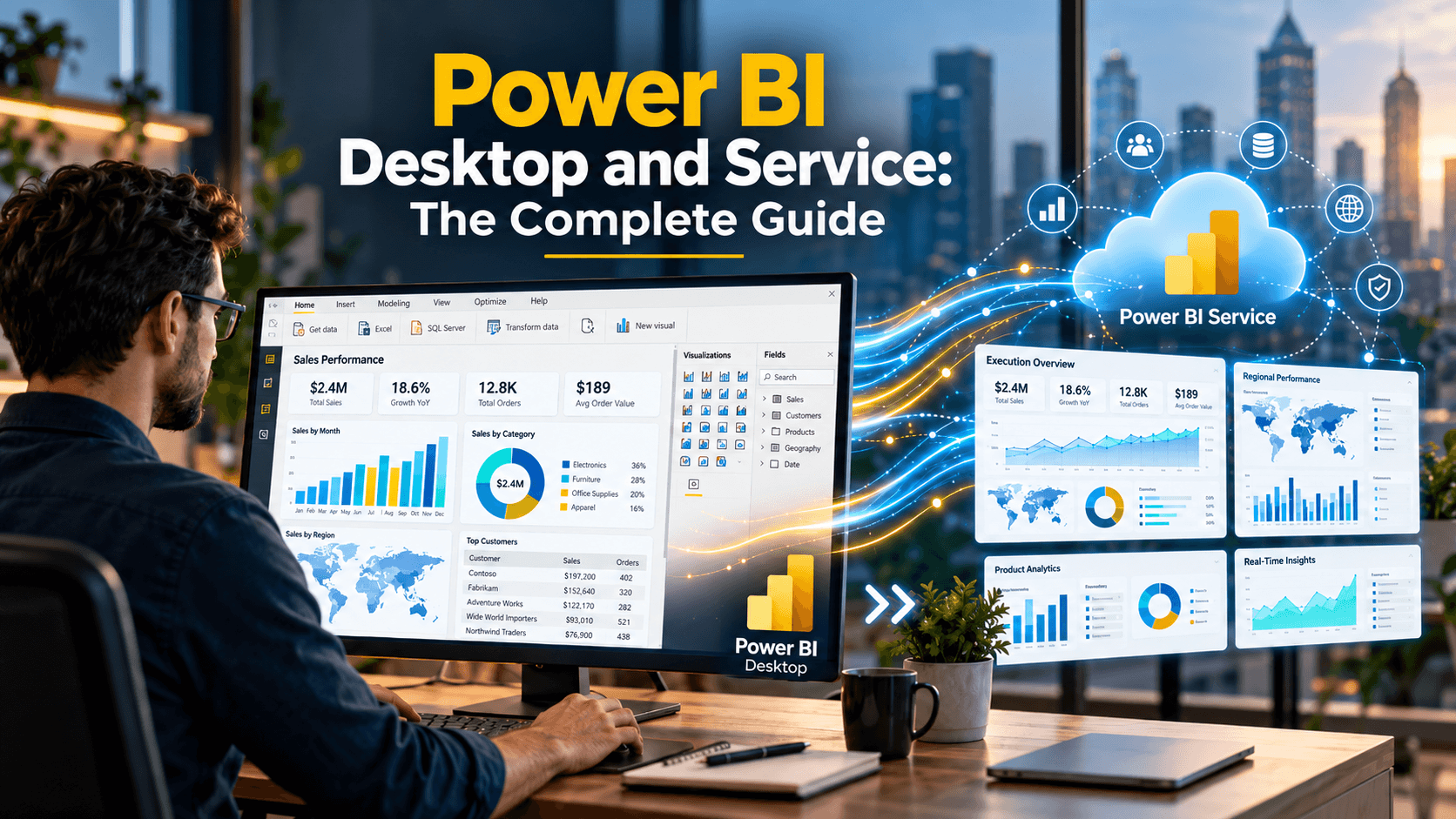
Power BI Part 1: Connecting to and Transforming Data with Power Query

Connect Power BI Desktop to text files, Excel, folders, SharePoint, the web and SQL Server, then clean and reshape the data with Power Query.
Created byGrant Gamble
All LevelsUpdated Oct 21, 2026
Power BI Part 1: Connecting to and Transforming Data with Power Query

What You'll Learn

check_circleExplain the roles of Power BI Desktop, the Power BI Service and mobile apps, and set up a working environment with SQL Server and sample data
check_circleConnect to text and CSV files, Excel workbooks, folders and SharePoint libraries so that data stays refreshable
check_circleImport web data and connect to SQL Server views and SQL statements in Import, DirectQuery and composite modes
check_circleSplit, merge and extract column content to produce clean, consistent fields
check_circleClean system-generated reports using Remove Rows, Fill Down and Unpivot Columns
check_circleCombine tables with Append Queries and Merge Queries, choosing the right join kind for each task

About This Course

Most of the work in any Power BI project happens before a single chart is drawn: getting the data in, and getting it into shape. This course, Part 1 of a three-part Power BI series, teaches you to do both with confidence in Power BI Desktop and Power Query.

You will connect to every common business data source, then learn the Power Query techniques that turn messy, system-generated data into clean tables ready for modelling. The course is hands-on throughout: every file used in the videos is supplied, each section opens with an overview and closes with a summary, and Quick Practice lessons let you apply each technique straight away. An interactive PDF workbook accompanies the course.

What you will cover:

  • Getting started: Power BI Desktop, the Power BI Service and mobile apps, tenants and licensing, and installing SQL Server and the sample databases used throughout the series.
  • Text and CSV files: delimiters, encoding and data type detection, and connecting to files in SharePoint so they stay refreshable.
  • Excel workbooks: tables, ranges and hidden sheets, and handling blank columns, password-protected files and total rows.
  • Folders of data: combining every file in a folder or SharePoint library into a single table, and controlling the transformation with a sample file.
  • Web data: connecting to web URLs and extracting tables from web pages.
  • SQL Server: importing views, using SQL statements, query folding, DirectQuery, composite models and storage modes.
  • Splitting, combining and extracting text: splitting by delimiter and character transition, merging columns, and extracting character ranges and text between or before delimiters.
  • Transforming report data: removing unwanted rows, Fill Down and Unpivot Columns to clean system-generated reports.
  • Combining tables: Append Queries and Merge Queries, including Left Anti joins for finding mismatches.

Who this course is for:

  • Excel users who want to move beyond spreadsheets to refreshable, automated reporting.
  • Analysts and report writers who need to bring together and clean data from several sources.
  • Finance, operations and sales professionals who build regular management reports.
  • Self-taught Power BI users who want a structured grounding in Power Query.

The Power BI series:

  • Part 1: Connecting to and Transforming Data with Power Query (this course)

  • Part 2: Data Modelling and DAX

  • Part 3: Reports, Dashboards and the Power BI Service

Your Instructor

Grant Gamble
Grant Gamble

CEO of AI Awareness Limited | 25+ years in IT training | Helping non-technical professionals go from AI-curious to AI-confident

menu_book4 courses
star1 reviews

Grant Gamble has spent over 25 years in IT and technology training, working with businesses across the UK on practical AI adoption. He is CEO of AI Awareness Limited and founder of G Com Solutions Limited, and specialises in helping non-technical professionals move from AI-curious to AI-confident through hands-on, domain-specific training and certification. Grant's view is that AI is not a single tool but a set of capabilities spread across every department, often underused or ungoverned. The organisations making real progress are not the ones running generic awareness programmes; they are the ones mapping specific AI capabilities to specific workflows and giving their people the time and permission to use them. His courses take exactly that approach. His teaching covers practical AI literacy for non-technical professionals, AI skills and workforce readiness, and the governance and responsible use of AI at work. Expect a hands-on style: real business examples, clear explanations of why each technique works, and skills you can apply to your own work straight away.

Credit Information

What Students Are Saying

0.0
Student's Choice
0 reviews

Frequently Asked Questions

We are a registered provider with 327+ associations and regulatory bodies worldwide. We operate across 29 global markets including Canada, the US, Australia, and the UK. Every course page clearly displays its specific accreditations. Upon completion, you receive a professional certificate that can be validated online. Our certificates include all necessary accreditation details, credit hours, and completion dates, and are formatted specifically to meet the submission requirements of most global regulatory bodies.

You May Also Like

Accounting & Tax: Technology for Accountants

Claude Fundamentals for Accountants (2026 Update)

star5.0(556)
2.5 CPD hrs
Ethics: Business Ethics

The Ethical Detective: AI and the New Fraud Frontier

star4.9(305)
2 CPD hrs
Accounting & Tax: Technology for Accountants

Claude Cowork in Practice: Advanced Workflows for Accountants

star5.0(284)
2.5 CPD hrs