by learnformula
search
For Business
Team license & compliance management
For Higher Education
Academic partnerships
For Government Agencies
Government training solutions
For Instructors & Course Creators
Teach on our marketplace
Become a Sponsor
Reach professionals where they learn
Log inStart 7-Day Free TrialStart Free TrialStart Free Trial
search
  1. Courses
  2. /Office Productivity
  3. /Data Analysis & Visualization

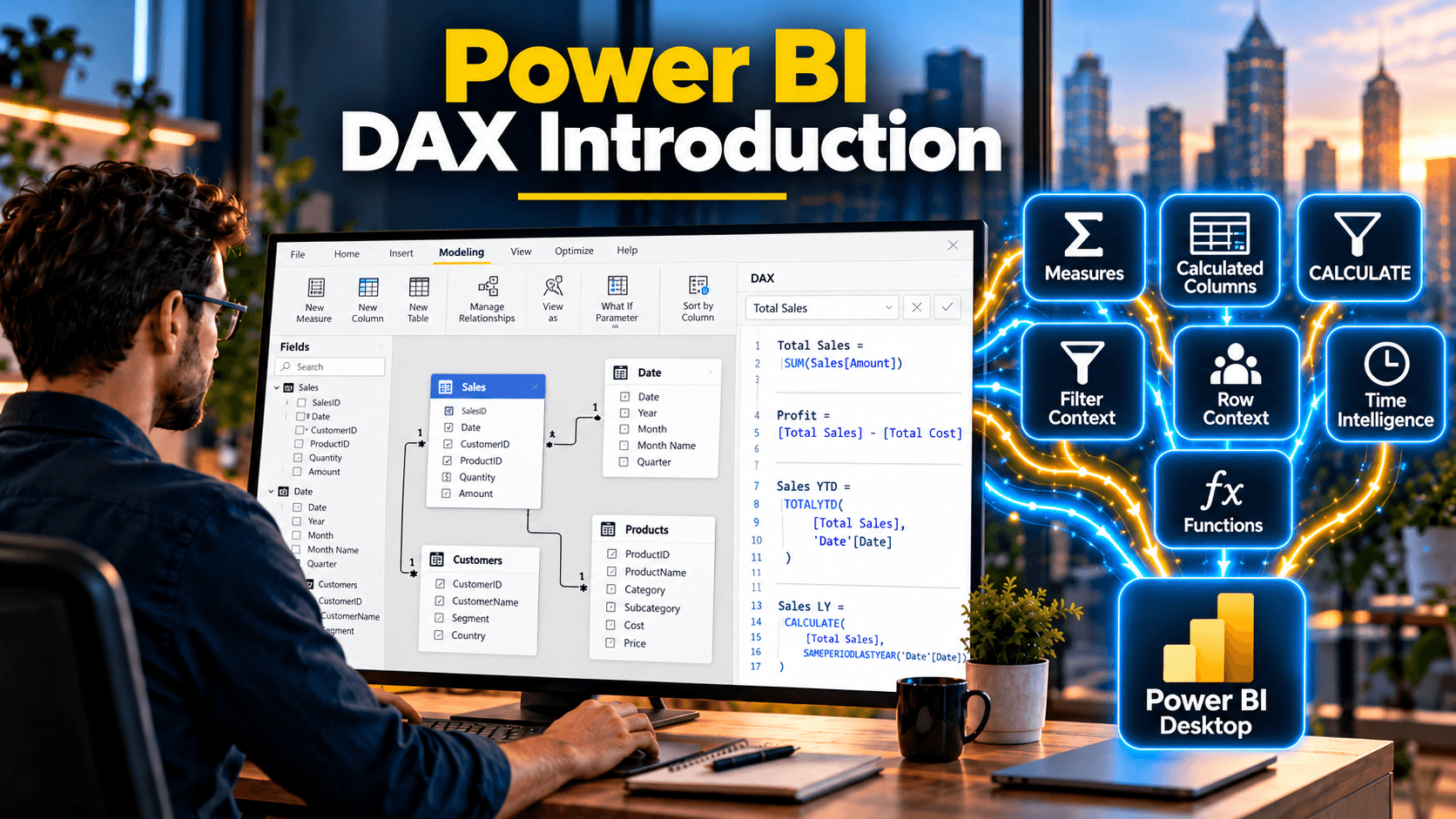
Power BI DAX Introduction

Write DAX calculated columns, calculated tables and measures with confidence, from RELATED and SWITCH to SUMX and CALCULATE
Created byGrant Gamble
BeginnerUpdated Oct 24, 2026
Power BI DAX Introduction

What You'll Learn

  • check_circleChoose correctly between calculated columns, calculated tables and measures
  • check_circleUse RELATED, LOOKUPVALUE and RELATEDTABLE to work across related tables
  • check_circleBuild conditional logic with nested IFs, AND, OR, IN and SWITCH
  • check_circleCreate calculated tables, including a date table built with ADDCOLUMNS
  • check_circleWrite explicit measures and iterator functions such as SUMX and AVERAGEX
  • check_circleUse CALCULATE to change filter context and fix common DAX errors

About This Course

Learn the DAX formula language from the ground up and start building the calculations that make Power BI reports truly useful. This course takes you step by step through the three types of DAX calculation (calculated columns, calculated tables and measures) and shows you when to use each one.

You start with DAX syntax and the formula bar, then create calculated columns that bring values across relationships with RELATED and RELATEDTABLE and apply logic with nested IFs, AND, OR, IN and SWITCH. You build calculated tables, including a complete date table in a single ADDCOLUMNS formula, create explicit measures, and use iterator functions such as SUMX and AVERAGEX. Finally, you take your first steps with CALCULATE to change the filter context, and learn how to diagnose and fix the errors that trip up most DAX beginners.

This is a hands-on course: the course files and the courseware are included, so you can follow along with every video.

Topics Covered:

  • DAX objects, syntax and the formula bar
  • Calculated columns vs Power Query computed columns
  • RELATED, LOOKUPVALUE and RELATEDTABLE
  • Nested IFs, AND, OR, IN and SWITCH
  • Calculated tables with ADDCOLUMNS and FILTER
  • Implicit and explicit measures, and COUNT variations
  • Iterator functions: SUMX, AVERAGEX, MAXX and MINX
  • CALCULATE basics: ALL, REMOVEFILTERS, percent of total and percent of selected, CONTAINSSTRING
  • Diagnosing and fixing common DAX errors

Your Instructor

Grant Gamble

CEO of AI Awareness Limited | 25+ years in IT training | Helping non-technical professionals go from AI-curious to AI-confident

menu_book6 courses
star4 reviews

Grant Gamble has spent over 25 years in IT and technology training, working with businesses across the UK on practical AI adoption. He is CEO of AI Awareness Limited and founder of G Com Solutions Limited, and specialises in helping non-technical professionals move from AI-curious to AI-confident through hands-on, domain-specific training and certification. Grant's view is that AI is not a single tool but a set of capabilities spread across every department, often underused or ungoverned. The organisations making real progress are not the ones running generic awareness programmes; they are the ones mapping specific AI capabilities to specific workflows and giving their people the time and permission to use them. His courses take exactly that approach. His teaching covers practical AI literacy for non-technical professionals, AI skills and workforce readiness, and the governance and responsible use of AI at work. Expect a hands-on style: real business examples, clear explanations of why each technique works, and skills you can apply to your own work straight away.

Credit Information

What Students Are Saying

0.0 out of 5
Student's Choice
0 reviews

Frequently Asked Questions

We are a registered provider with 300+ associations and regulatory bodies worldwide. We operate across 27 global markets including Canada, the US, Australia, and the UK. Every course page clearly displays its specific accreditations. Upon completion, you receive a professional certificate that can be validated online. Our certificates include all necessary accreditation details, credit hours, and completion dates, and are formatted specifically to meet the submission requirements of most global regulatory bodies.

You May Also Like

  • Accounting & Tax: Technology for Accountants

    Claude Fundamentals for Accountants (2026 Update)

    starRated5.0out of 5,(593 reviews)
    2.5 CPD hrs
  • Ethics: Business Ethics

    2026 Ethics and Corporate Compliance

    starRated5.0out of 5,(509 reviews)
    2 CPD hrs
  • Ethics: Business Ethics

    The Ethical Detective: AI and the New Fraud Frontier

    starRated4.9out of 5,(325 reviews)
    2 CPD hrs